When photographers first start printing their images, one of the biggest surprises is realizing that a print rarely looks exactly like the image on a monitor. Even with a calibrated display, prints can appear darker, less saturated, or slightly different in color. In this video, I walk through the soft proofing workflow I use before sending images to my Canon imagePROGRAF PRO-1100 printer.
As a wedding and lifestyle photographer based in Eastern Ontario, printing has become an important part of delivering high-quality work to clients. Whether you print in-house or use a professional lab, understanding soft proofing can dramatically improve your final results.
What Is Soft Proofing?
Soft proofing is the process of previewing how your image will look when printed on a specific type of paper and printer combination. Since monitors emit light and paper reflects light, the final print can never perfectly match what you see on screen.
Different paper types absorb ink differently and reflect ambient light in unique ways. Matte paper, glossy paper, and fine art papers all produce different visual results. Soft proofing helps photographers adjust brightness, contrast, and colors before printing so the final image is as accurate as possible.
Why Prints Look Different Than Your Monitor
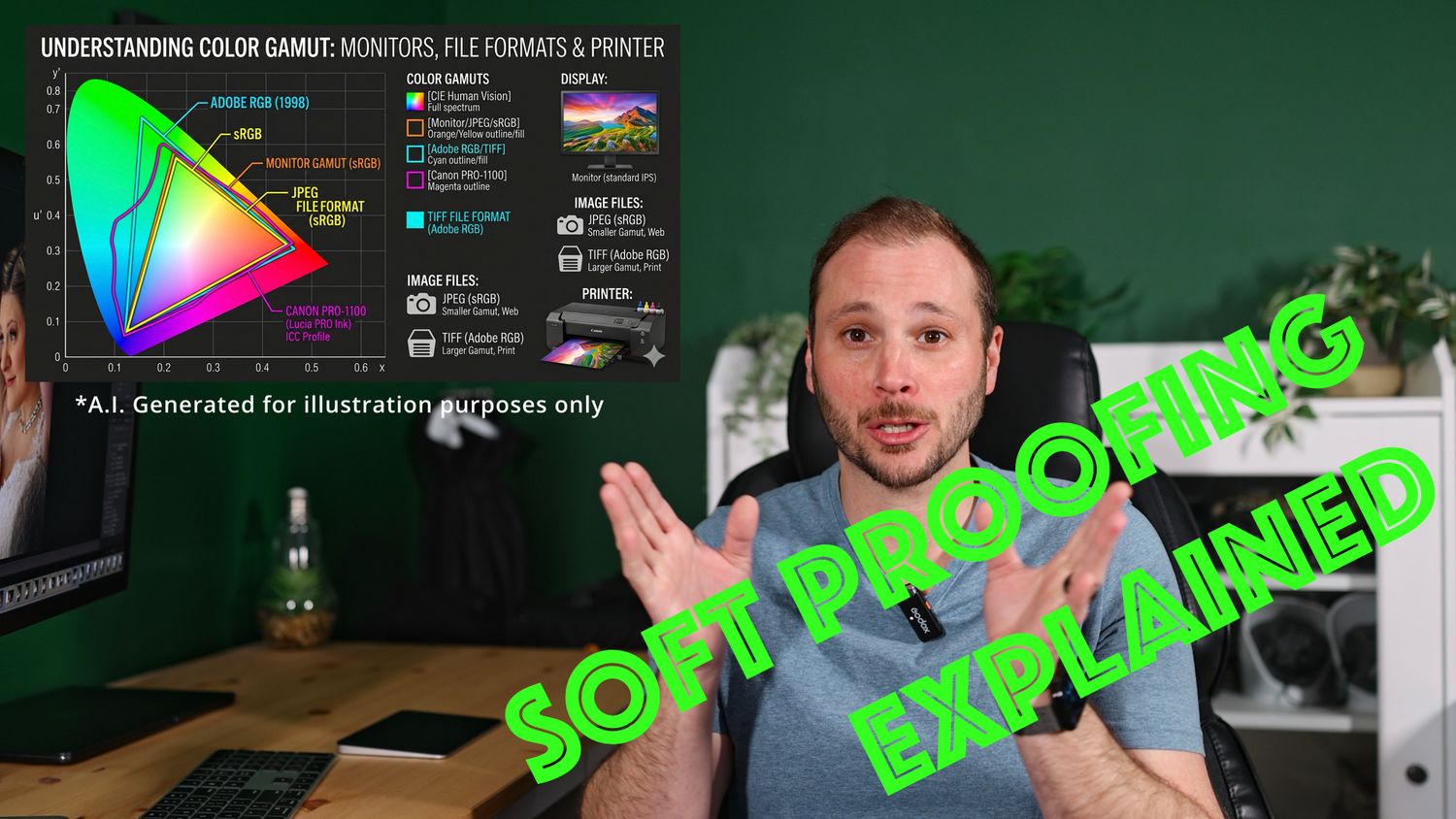
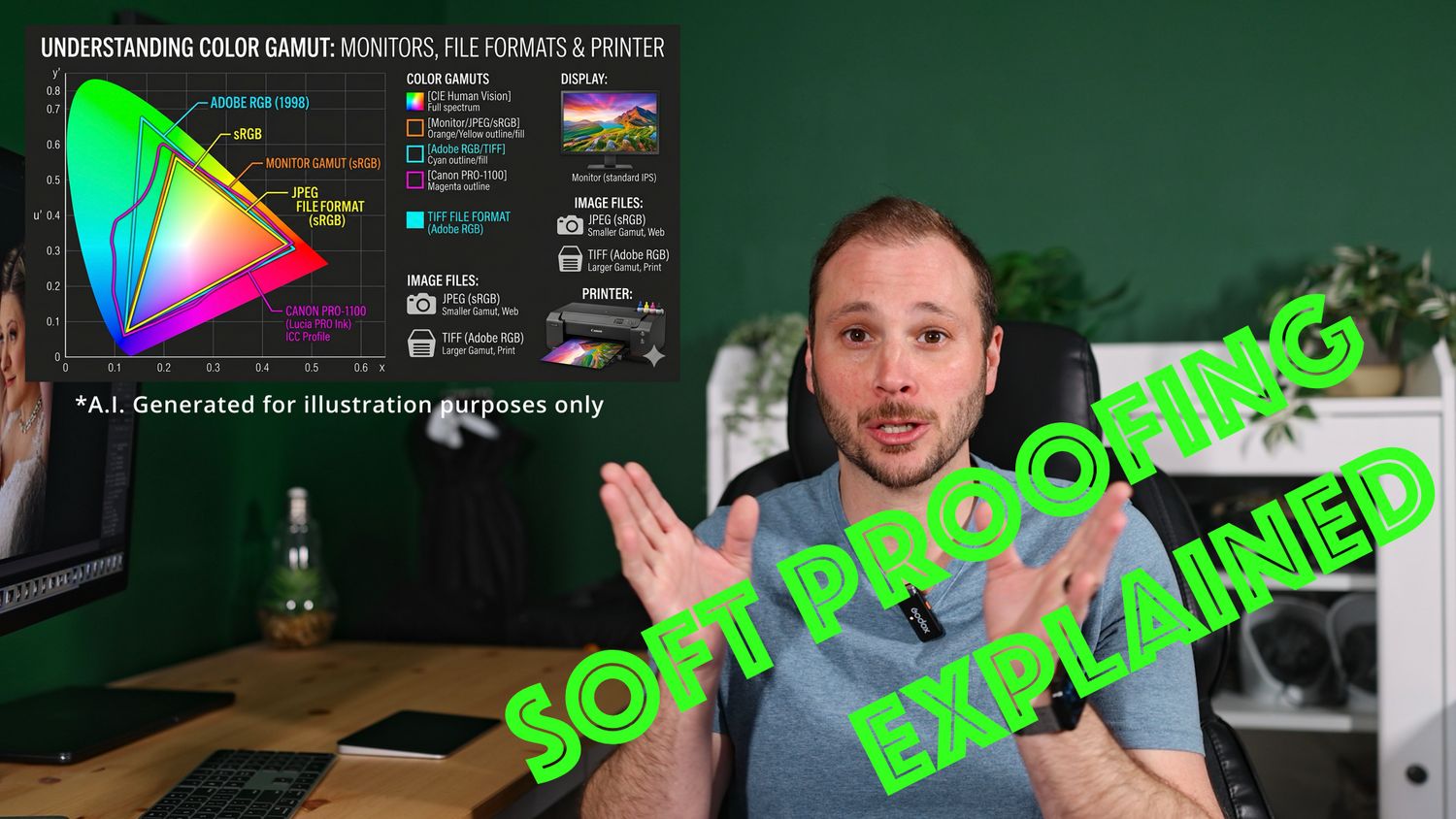
One of the major factors is color gamut. Modern monitors can display a wider range of colors than most printers can reproduce on paper. RAW files also contain significantly more color information than JPEG files, which is why export settings and color spaces matter during the printing process.
In the video, I explain how:
Screens produce light
Paper reflects light
Printers have a smaller color gamut than monitors
Different papers affect contrast and saturation
Soft proofing helps compensate for those differences
Understanding these concepts can save photographers both time and expensive paper when producing prints.
My Canon PRO-1100 Printing Workflow
The Canon imagePROGRAF PRO-1100 has quickly become an important part of my photography business. Before printing, I soft proof images to the paper profile I’ll be using and make small adjustments where needed. This allows me to create prints that feel closer to the emotion and tone I originally intended while editing.
Printing your own work adds another level of control and creativity to photography. Seeing an image physically printed is a completely different experience from viewing it digitally on a screen.
If you’re getting into photo printing for the first time, soft proofing is one of the best skills you can learn early on.
Watch the full video to see the complete workflow and hear my thoughts on preparing images for professional-quality prints.