The Canon imagePROGRAF PRO-1100 has quickly become one of my favourite pieces of photography equipment. The print quality is outstanding, the colours are incredible, and producing large fine art prints in-house has completely changed how I present my work.
However, there's one aspect of owning this printer that doesn't get talked about enough—maintenance costs.
After posting my unboxing video, one viewer commented that they regretted buying the printer because it seemed to consume a lot of ink during maintenance. It was a fair point and something I wanted to investigate from my own experience after several months of regular use.
The reality is that the PRO-1100 is an expensive printer to operate, but much of that expense comes from how it's used rather than the printer itself.
One of the biggest consumables isn't actually the ink cartridges—it's the maintenance cartridge. Every automatic cleaning cycle sends waste ink into this cartridge, and over time it fills surprisingly quickly. During the initial setup, the printer performs several calibration and print-head alignment routines that consume both ink and maintenance cartridge capacity before you've even started making prints.
I've already replaced one maintenance cartridge after around seven months of ownership and am well into my second. Because these cartridges can occasionally be difficult to find in stock, I recommend buying several extras when purchasing the printer. It's far less stressful than discovering you need one immediately and having to wait for new stock to arrive.
Fortunately, there are several ways to reduce maintenance costs.
The biggest tip is simple: print regularly.
The PRO-1100 performs automatic maintenance if it sits unused for long periods. By printing a small image every few days, you can often avoid unnecessary cleaning cycles, helping your ink last longer while keeping the print head healthy.
Another habit I've adopted is leaving the printer powered on. Turning the printer off and back on can trigger additional maintenance routines that consume ink. Leaving it in standby mode allows it to manage itself more efficiently.
I also connect my printer to an uninterruptible power supply (UPS). In my area, occasional power outages and brownouts are common. A UPS protects both my computer and the printer from unexpected shutdowns, reducing the chances of unnecessary cleaning cycles while also protecting my editing workstation and external drives.
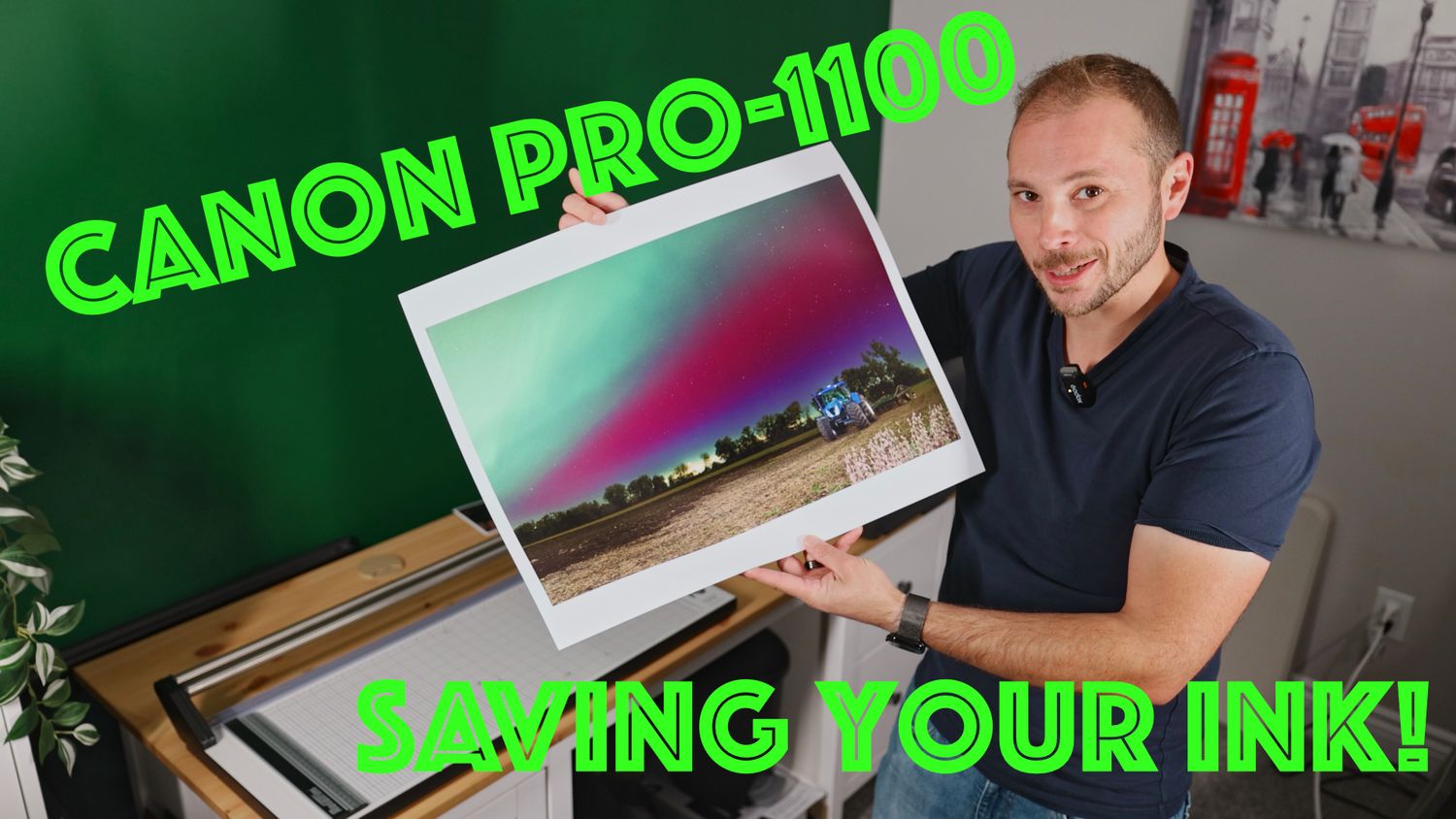
One of the highlights of this video is sharing one of my favourite prints I've made on the PRO-1100. It's a photograph of a tractor beneath the Northern Lights—a scene that reminds me of growing up on my family's farm in England and holds special meaning following the passing of my stepdad. Printing images like this reminds me why I invested in this printer in the first place.
Despite the maintenance costs, I don't regret buying the Canon PRO-1100. For photographers who regularly produce prints, the image quality is exceptional and the printer has already paid for itself through client work. Like any professional tool, understanding how it operates—and how to minimise unnecessary costs—makes a huge difference.
If you're considering buying a Canon PRO-1100, I hope my experience helps you make a more informed decision and get the most out of your investment.